Thursday, December 01, 2011

v.1a.2 Released

Here's the changelog:


  • All items and blocks now have their own floating graphic.
  • Memory leak in floatingItemsManager has been fixed.
  • Fixed bug where breaking glass could destroy tractor beam.
  • Fluid engine has been completely redone from scratch.
  • structuresManager draw() method has been optimized.
  • The higher the player goes, the less thick the asteroids become.
  • Pipes can now be placed inside of blocks.
  • When a player is on the ground and they place an item, it gets placed 2 blocks below. This has been fixed so the item is placed directly below.
This version also has much better logging and exception handling.  I'm pretty sure the new fluid system is bug-free (though I probably just jinxed myself).  Download information can be found at http://forums.tigsource.com/index.php?topic=22847.0

Wednesday, November 30, 2011

Performance Updates

I'm been focusing a lot on performance this past week.  I started merging the world and structuresManager draw() methods and that seemed to go well, until I realized that this drew all of the structures behind the player.  I didn't want that, but I was able to use the same technique to further optimize the structuresManager drawing code to increase framerate.

For the sake of documentation, I'll admit that I made a very, very newbie mistake.  When I was drawing structures before, I was simply iterating through every single structure the player had built and drawing it.  Then at some point I put in a method that checks to make sure that the object is within view before drawing it.  This was stupid because I was still iterating through every single object that the player had built.

Then one day I was inside of the world draw() method.  I was toying around with adding another liquid when I realized that the structure was different.  In the world draw(), I had a nested loop that simply went from the top left of the viewport to the bottom right.  It only drew what was on the screen and ignored everything else.

Why the heck wasn't I doing this in structuresManager?  Stupid newbie mistake, that's why.  After changing that, it increased my frame rate by 30fps.  You won't notice this much of an increase in the beginning of your game, but in my Alpha base I have a lot of structures.  I have 9 forges, 3 chests, at least 20 light posts, 5 fuel posts, at least 20 turrets, 5 laser doors and the real structure hit:  2 sets of tractor beams.  You see, each tractor beam can be up to 500 blocks long.  That means that I was drawing every single tractor beam on every single frame.  This is clearly a waste.

After that was fixed, I noticed that my frame rate dropped drastically when I was around water.  This is because the game updates any water within range.

Now while in theory that makes sense, it sucks in execution.  The best example I have is a waterfall.  Say I release 100 units of water and let it fall down.  It will continue to fall and fall and fall until it gets out of range.  When it's out of range, it'll just float there in space until I get close enough to it for the game to update it.  Meanwhile, the game is constantly going through all the water around me and updating them, even if they have nothing to update to!  This is all waste, waste, waste, waste.

The new water method 'checks in'.  When the game generates water, it 'checks in' the water block.  Each water block has 10 ticks to do something (1 tick = 1 update() execution).  If the water block is ran 10 times and it hasn't made a single change, it's removed from the update() list.  Whenever I do something around the block that could effect it, I re-add it to the update() list and it again has 10 ticks to do something.

If I add water that flows into other water, I add both waters to the update() list.  What this gets me is a constantly changing list of water blocks to update.  The nice thing is I can be in an area with 500 blocks of water and not need to update a single one because they're just sitting there.  When the player drops in, they splash water so now 5 blocks need to be updated.  Eventually they fizzle out and now we're back to 0 updates.  If I remove a block underneath the water, a huge waterfall will form.  This waterfall can cause every single water block to update.  That's ok because at the most, it will be 500 blocks of water to update.  As soon as all that water is done flowing, I return back to my original 0 water updates.

It still has some minor glitches to work out, but overall testing has been very successful and the game now runs at an average of 170fps when I don't limit the framerate.  I'm very happy with these two performance updates.

On a more graphical note, all items now have their own drop graphic.  Beforehand, I was simply taking the original texture and re-scaling down to 16x16.  This worked temporarily but was ugly.

I'm going to spend the week focusing on the water update and removing all the little glitches.  For some reason, the water doesn't like to go near the laser door.  The current functionality is that when water is at the door, if it's open the water will go through.  If it's closed, it doesn't.  Well for some reason, when the water is falling straight down to the left side of the door (but not the right), it stops at the block above the door.  No idea why.

So that's my week.  No screenshots this time, but hopefully once I get these done I can start to put some serious code towards terraforming.  I'm torn between terraforming and netcode (multiplayer).  We'll see what I feel like doing when the time comes.

Sunday, November 27, 2011

New Build Released - v.1a.1


I released a new build of AstroMiner tonight.  You can get the download details here:  http://forums.tigsource.com/index.php?topic=22847.0

Here is the official changelog for this version:
  1. Radar
  2. Better Mouse Controls
  3. Beam lights up the area around it
  4. More Base2
  5. Performance updates - more specifically, the structures draw method and the world draw method have been combined, giving me an increase in 30fps. Player won't notice because the game is fixed at 60fps, but it gives me more leeway for when I want to add features in the future.
  6. Chests now drop items if they are destroyed
  7. W and A can now be used to control the menu.
  8. Top left GUI can now be modded.
  9. Ability to turn audio on/off has been added to the options screen.
  10. Logging support has been added. A game.log file is created in the root folder.
  11. Background track from Connor Humphreys - Artist of the Fortnight (1 of many!)
I'll be starting work on terraforming soon.  I can't wait to get into that code.  I have a lot of awesome ideas sketched out.  As long as I didn't introduce any new bugs in this build, I'll be working on that part of the game soon.

Wednesday, November 23, 2011

New Background Image

The sun has also been slightly moved.

I'm working on making the game brighter.  That was probably the most requested change from you guys.

First thing I did was adjust the minimum brightness in the day/night cycle.  The game used to make blocks completely black during the 'night' cycle.  Now you can still somewhat see the block types, but they're still darker than during the 'day' cycle.

Next thing I did was create a new background.  I looked at several space photographs as reference and came up with something that I think can pass as a good background.  I'm not sure if it's realistic, but it does give the game a nice feeling.

The next thing I want to add is some kind of graphic to show an asteroid belt going around the sun.

Anyway, I'm going to be out for a few days hanging with the wife.  I'll put a new build out early next week.

edit: Very subtle asteroid belt.

Load this up next to the other image to see it.  Very subtle :]

Tuesday, November 22, 2011

Radar

Just thought I'd share an update with the new Radar.  It's in the top left corner where the momentum-meter is.


Notice the little red dots?  Simple but effective.

I thought about the best way to approach this.  First thought was to have the game go through all of the enemy, get their distance from the player (their location - player's location) and those that are within a certain range would add themselves to a list.  That list is cleared() every single frame, so only enemies that are close would be in it.

After thinking that through, it definitely didn't seem like it was the most efficient way.  Then I remembered that the AI is always checking its distance from the player anyway.  After realizing that, it was a very simple if statement to see if the enemy is in range and it added itself to the list.

That seems simple enough and takes up a very small amount of extra CPU (just an if statement and List<> insert).  Sounds like a good solution to me.

Monday, November 21, 2011

Open Alpha is Awesome

I've gotten a lot of input for AstroMiner ever since opening up for public alpha.  I was very nervous about releasing the game at first, but after all the very constructive input I'm very happy I did it.  First off, some awesome fanart from kowbis at the TIGSource forums!


Such awesome work.

Next great news is that I got some audio for the game background.  It gives the game a mysterious, but spacey tone.  I can't wait to get it in the game.  Expect a new build with it within the next 2 weeks.

So as I said, I got some great input.  The most common request was to make the game brighter, so I've been looking at many different space photos and seeing all the different ways that space can be bright.  I have some  ideas that I'll implement before I release the next version.

  • I was also asked to make the beam shine some light around it - that's done.
  • Mouse controls have been revamped.
  • The block algorithm generates more BASE2 now.

Before the next week, the following will be done:

  • Blocks will look more distinctive.
  • Radar in the top left corner.
  • WASD will control the menu.
  • UI will be moddable.
  • Chests will drop items if they're destroyed.
  • Better death animation.


For the future updates:

  • The ability to pick where you save your maps.
  • Tutorial
  • Higher Terminal Velocity
  • Ability to customize your controls


I've also switched off my forums for now.  I get so much spam :[  I decided to create a Wiki filled with lots of information, including more bad guy info:  http://www.astrominer.net/wiki/doku.php

So I have a lot of work ahead of me.  I'd expect a new build sometime next week with the new audio and some updated features!

Thanks to everyone for helping me test.  You've made all the work I've done for the last few months well worth it!

Roy

Friday, November 18, 2011

Public Release

Details at http://forums.tigsource.com/index.php?topic=22847

This is my first public release of the game.  I'm pretty nervous but I'm looking forward to all the feedback.  Changelog can be found here:  http://www.astrominer.net/f/viewtopic.php?f=2&t=19&p=69

This release adds pumps, pipes and elevators.  Big and fun update :]

Wednesday, November 16, 2011

Anyone for a space elevator?

Off

On
I'm still tweaking the crafting formula.  I'd like to use water somehow.

If the player is in the tractor beam, it will drag them up towards the top.  It drops down really far (about 100 blocks, but I'm thinking of raising it to 500).  The purpose is to give the player the ability to dig very deep down into the belt.  It's a lot more dense down there, so they can get more minerals than if they were to stay on top.

Eventual plan is to also let it be used to communicate.  By building a dispenser at the bottom of it and connecting it to a chest, the player will be able to transport blocks back up to their base without having to go back up.

I think I'm going to force the player to keep water near it.  Since it uses a lot of energy to create the beam, the equipment heats up.  The water can help it stop from overheating.

Not sure if I'm going to force them to attach a pipe or just submerge the elevator.  Oh, one thing I forgot - the elevator can be between 1 and 5 blocks wide.  The tractor beam will always take the center block though.

Here's a 1080p video I just created showing everything off:  http://www.youtube.com/watch?v=KNF9_FVXlgc

So that's it for now.  More updates later this week :]

Monday, November 14, 2011

Copper, Pipes and Pumps


The sprite for the pipes isn't the best, but it works for now :]  Turn the pump on and water flows from the left side to the right.  Pipes are created in the forge with the new Copper block.

Sunday, November 13, 2011

Game Chapters

Spent a good portion of the weekend working on the game.

First off, the AI manager has been completely rewritten.  The way I had it before was not object oriented at all, so changing things around was a huge pain in the butt.  This new way is much, much simpler and lets me give more complex actions to the creatures (and it's also OO proper).  My first action with that was to give Matterholes the ability to jump.  'Jumping' didn't really seem like it'd fit their character much, so they actually kinda float up.  It's cute to see.

The player now has a consequence for dieing.  First off, they lose their whole inventory.  They have plenty of time to get it back (around 5 minutes) though.  They're then teleported back to where their beacon is.  If no beacon is set, the spawn point is used.

Those are the biggest additions to the game.  There are lots of minor ones and you can see them in the changelogs at http://www.astrominer.net/f/viewtopic.php?f=2&t=17.

I'm going to have the major versions of the game be released in chapters.

Chapter 1
This is the beginning of the game.  Chapter 1 is where you gather resources and build your base.  You learn how to control your ship, how to defend yourself from the enemy and how to survive in the asteroid belt.  What's the point of building your base and learning all this though?

Chapter 2
Chapter 2 is where you terraform the asteroid you've taken.  Your ship is nice and all, but you can't spend eternity inside of it.  Once you build a secure base that can successfully withstand assaults by Spies and explosions by Matterholes, you need to create a secure room in which to terraform.  The room has to be sealed so that no air can escape, but you still need to be able to get in.  Do you do this using laser doors?  Water?  Speaking of water, what's the point of gathering it all?  You'll also need to weigh your options.  It seems that ever since you've started terraforming, you've attracted a new type of enemy.  One that looks a little more mechanical and less biological.  You need to find ways of hiding what you've built so the new enemy can't find you.  You need to build some new defenses that can withstand this type of enemy.

So now the base is terraformed.  You have oxygen, plant life .. you can get out and walk around.  It almost feels like home.  Almost..  now what?

Chapter 3
Time to figure out how to leave this chunk of rocks.  You start building a device that lets you find other bases and possibly your home.  Once the device is built, you'll be able to travel to other worlds inhabited by other players.  You can exchange resources, building ideas and maybe even helpers that you've built along the way. You'll also have the option of going home here.  Maybe you like your new base and you don't want to go home.  The choice is yours to make.

That's the global picture of the game and all the chapters.  Chapter 1 is going to be the free version.  Gather resources, fight enemy and build a base.  Chapter 2 I haven't decided yet but Chapter 3 will definitely be pay (since that'll require me to run directory servers).  You will only have to pay for the game once and you'll get all updates and chapters released.

I do have some ideas for a possible Chapter 4, but I'm thinking way ahead of myself for that.  I also sketched some ideas for a new game idea I have, but I most definitely want to finish this one first.

Anyway, back to programming.  I'd like to add a new enemy and structure this week.  Testers have given me lots of good ideas which I've implemented.  I was going to release the public version of the game this weekend, but with Skyrim and MW3 being released, I thought I'd hold off until next weekend so I actually have some people that might be interested in playing.

I will leave you with a screenshot of my Matterhole farm.  They're really cute.


Wednesday, November 09, 2011

New Background and Sun Graphic


I think the combination of new Sun and stars background make the game feel a lot brighter.

Monday, November 07, 2011

Alpha II Base, New Lighting

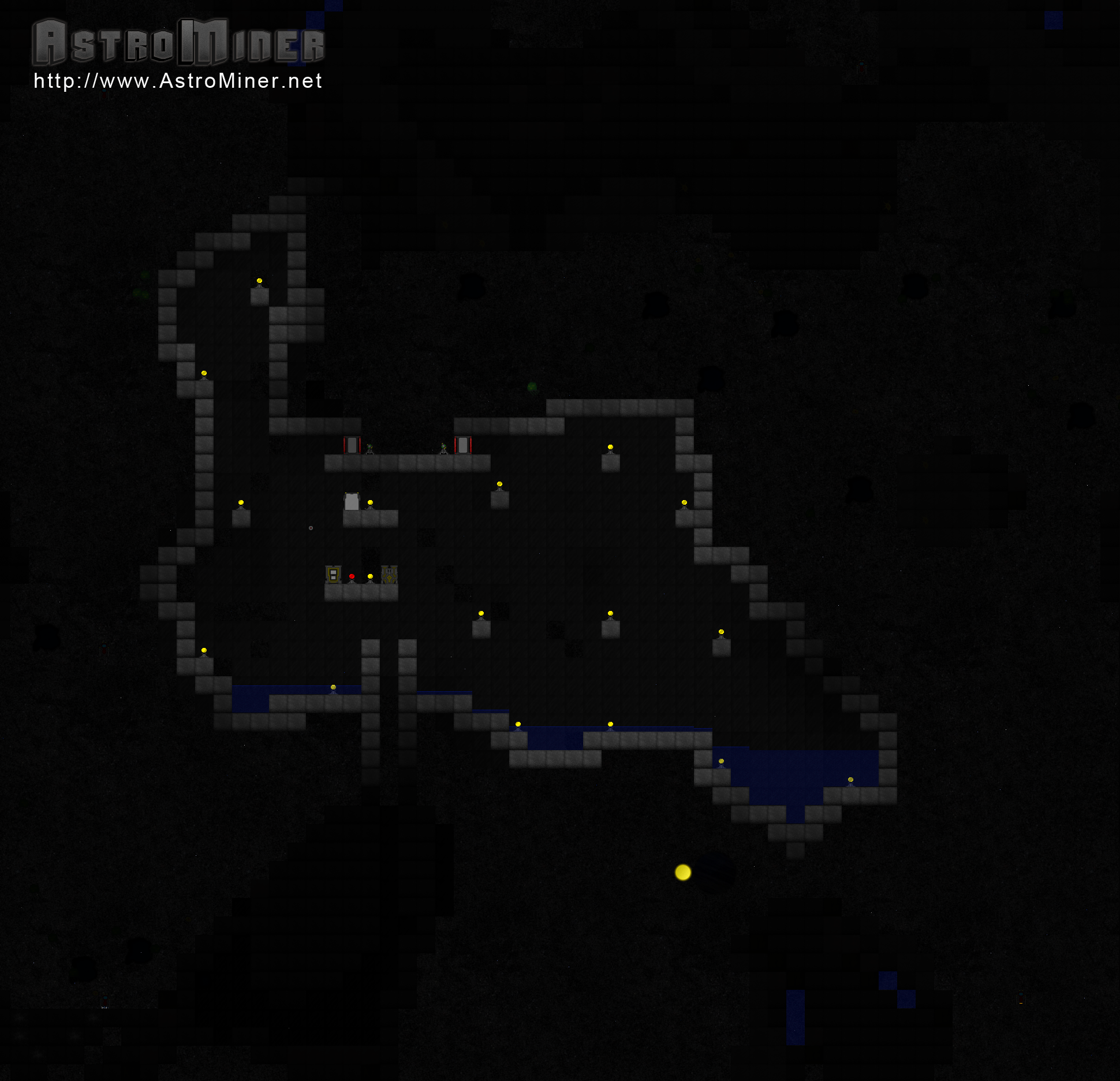
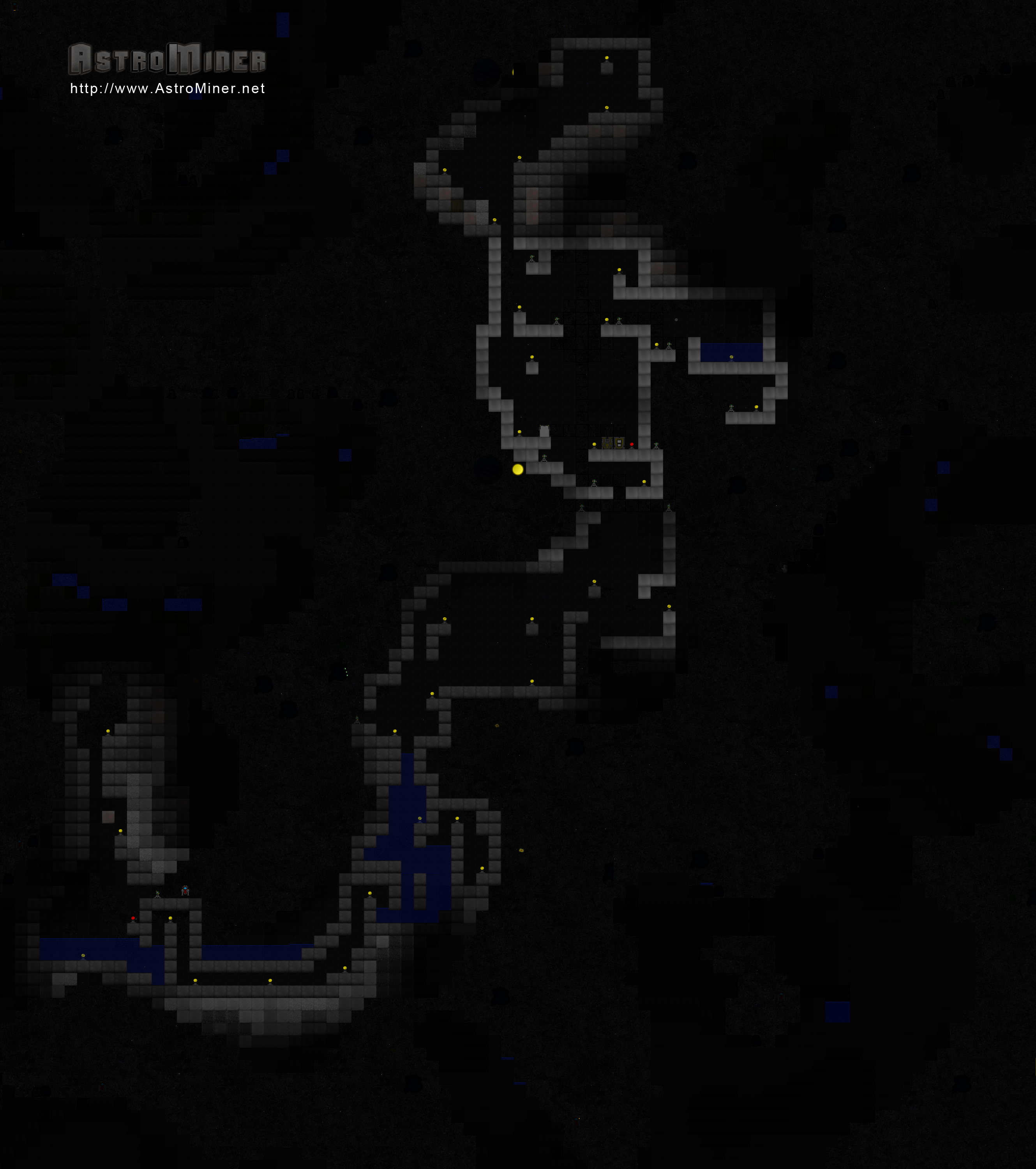
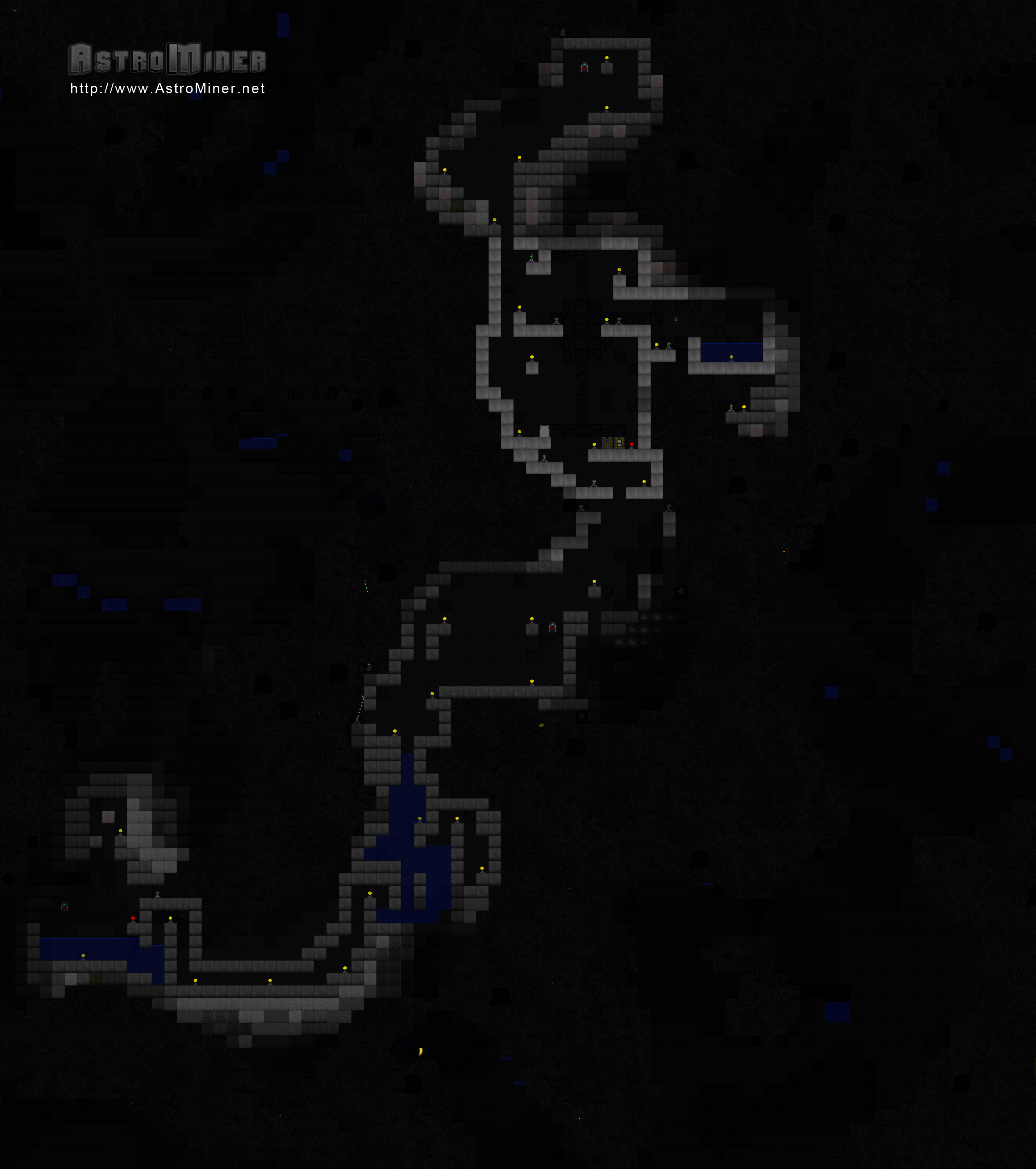
I got several comments about the lighting being too harsh, so I revamped the lighting algorithm.  I also used the opportunity to build a second Alpha Site to replace the old one.  Here is the Alpha II Base.

Click for a huge version.

Lastly, the game now has a Google+ page.

Busy but fun coding night :]

Sunday, November 06, 2011

The Alpha Base has been lost :[

I jinxed myself.

Earlier today when I was testing some stuff, I accidentally corrupted my world file.  The Alpha Base has been lost :[  All hope is not lost though.  I have started working on Alpha II and I hope to complete it by the end of the week.  That being said, here is the last known shot of Alpha Base.  This was taken right after I updated the lighting in the game.


I released a new build to the testers tonight.  If nothing major comes up, I'm going to be releasing a build on the tigsource forums later this week.

1080p Gathering Water Video

Saturday, November 05, 2011

2659x3000 Image of My Alpha Base

This thing is almost 4 megs large, so here's a link to it.  Down below is a smaller thumbnail.


I need to stop playing and keep working.

Steel

I need to make it so steel + water = rust, too.

Here's the forging formula:


It's the strongest object in the game currently.

Also, here's the forging formula for glass.  It's pretty straight forward.


Forge and Glass

I spent tonight working on the Forge.  The Forge will let you 'cook' items.  It is pretty much the same thing that the furnace in Minecraft is.

The graphic for the Forge isn't completely finished.

You interact with the Forge the same way that you do with the Chest.  When you land on top and open your inventory, a Forge window will pop up.

I had just finished making some glass and there was left-over fire.
For the first forging recipe, I created Glass.  Glass is easy to make.  It takes 1 Sand block to get 4 Glass block.  Glass is placed 'behind' objects.  This means the player and other creatures can move in front of it.  It's a decorative piece and nothing more.


Adding those two things swayed me way off my roadmap.  A lot of my next updates involve sound, so I'm going to focus on that for now.  I've been adding a lot of placeholder sound until I can find/afford a sound person.  I figure that as long as I get the code done, I can consider it done on my end and move forward.

Testers can expect a build with the forge and glass sometime late Sunday.

If you're interested in testing, go sign up at http://www.astrominer.net/f and post in this thread.  I'll send you a link to the latest build.  I could use more eyes looking at the game and giving me their opinion.

Thursday, November 03, 2011

MonoGame -vs- XNA Comparison

I was toying around with switching to MonoGame earlier tonight.

First off, the transition was very simple.  I downloaded MonoDevelop, OpenTK and the MonoGame source.  I compiled MonoGame using MonoDevelop and got a dll out of it.  I then deleted all of my XNA references from AstroMiner and added a reference to the MonoGame .dll.

After trying an AstroMiner build, I noticed a couple of differences.  Texture2d.FromStream is now Texture2d.FromFile.  render.SaveAsPng (for taking screenshots) is no longer available.  Out of everything I do, that's it.  Can't really complain.

After running the game, I noticed that the first thing that was off was the window size - it was smaller.  It also didn't have the proper title or icon.  No problem.  The game wasn't using a FixedTimeStep anymore, but that's also probably a small fix.  When I went to fullscreen, I noticed that the drawing dimensions didn't adjust.  First thing that problem tells me is that the Window functionalities are different enough to throw my code off.  Things like Window.Width, .Height and others.  I then noticed that the mouse wasn't working in the game.

Next was trying to play the game.  Keyboard controls worked for the most part.  Shift, Ctrl and Alt didn't work but all the others did.  Mouse still wasn't working.

I would say that 90% of my code worked fine.  All the game logic was normal (as was expected since that was vanilla C#).  The drawing functions, for the most part, worked.  Certain sprites were flying all over the screen, but they were at least displaying in the right spot at some point.  It was pretty hectic overall.  The crazy thing is whenever I would try and take a screenshot, all would look normal.

The game ran at 59fps average.  Using the XNA framework, the same world runs at 350fps average.

So for not having to make any changes to the code (besides replacing FromStream with FromFile), I think it's a really viable solution.  I'm going to keep researching to see if I can figure out how to fix the minor issues I had.  It'd be nice to not require the XNA libraries and be able to publish to multiple platforms.